
You have no items in your cart. Want to get some nice things?
Go shopping
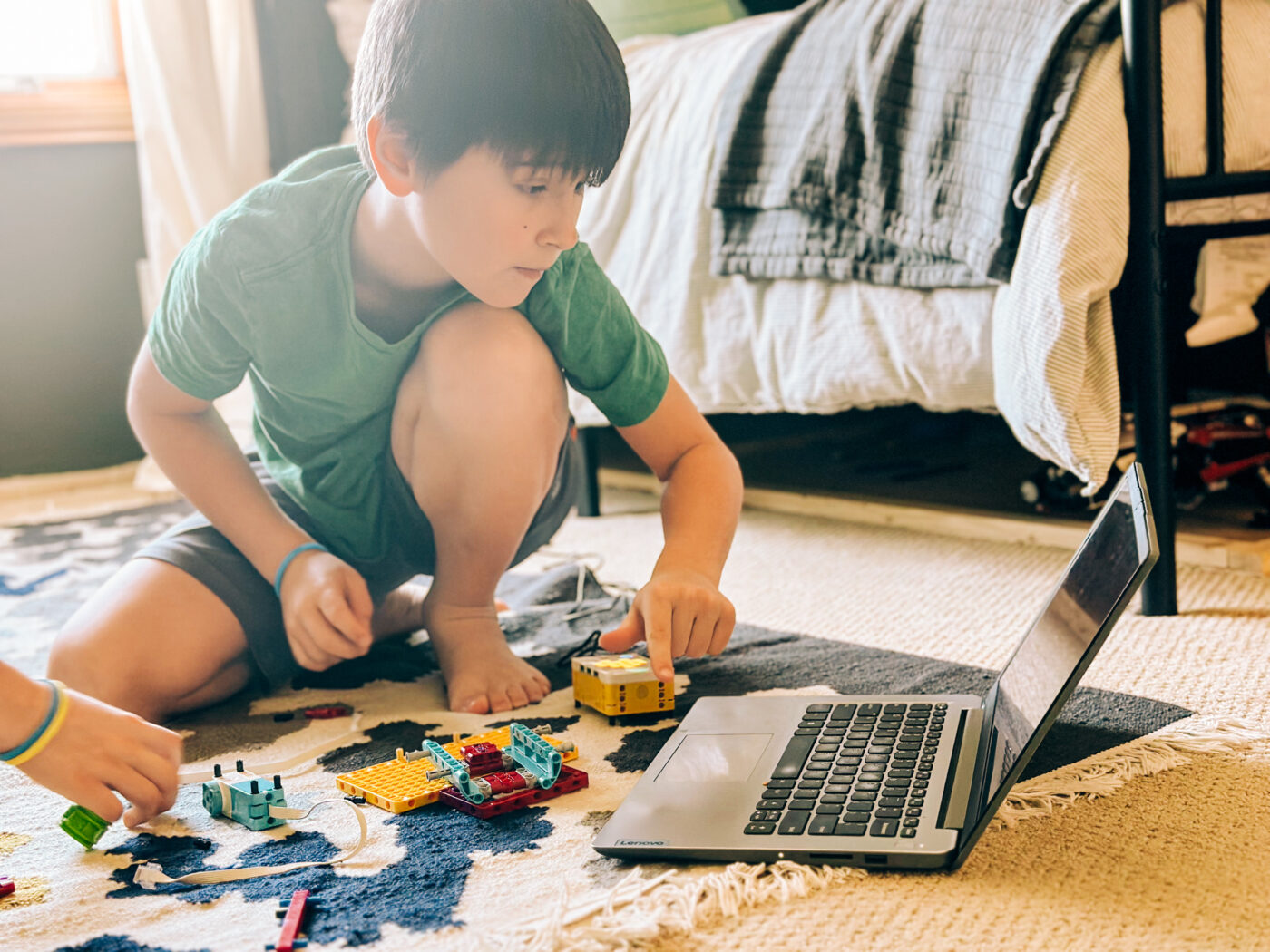
With Charlotte Mason living long before computers and the internet, I wonder often how she would have approached technology: Would she embrace it wholeheartedly or would she ban it from the classrooms like a plague?
It’s these kinds of questions that keep me up at night 😉
I’ve read most of her books, some of them multiple times. I wouldn’t say I’m an expert or a purist, but I do like to ask myself, “what would Charlotte do?” and make decisions based on her philosophy.
Charlotte was actually very forward-thinking for her day. She loved to read current writings on psychology and used the most current books for her time. So I think she would have learned as much as she could about the internet, computers, programming, robotics, and AI. And she would teach it in her schools, but in moderation and in developmentally appropriate ways.
Although I’m old-fashioned and an idealist (I would rather do art and handicrafts than learn how to program a robot), I do have four boys and a husband that love technology. So I’ve become more of a pragmatist over the years, and I’ve had to learn to adapt to their interests and talents.
Technology is an integral part of our lives and most of the careers that are available. Kids need to know how to use it wisely– to make it a tool, a servant, and not to become a servant to technology.
In the spirit of Charlotte Mason, I always do my research and make decisions based on the knowledge I have at that time, and make changes as I learn more. And in this article I’ll share just that.
Early Years
The big elephant in the room, and the inconvenient truth is this: excess screen time does more harm than good for people of all ages, but especially children.
At BYU I was an intern at United Way, with a program called Help Me Grow. We helped screen children for autism and developmental delays. More than once I met with a parent whose child had language delays. I went over the child’s day and activities with the parent to get an idea of their environment. More often than not, a toddler with speech delays spent too much time on a screen watching “educational” shows. The parents were told that these were educational and would help their child learn words and language. The truth is, companies say what parents want to hear, without research to back it up. In reality, children need to see the tongue and lips moving to learn the mechanics of speech, and they need to engage in conversation, the back and forth of human communication, to learn to speak. They need to practice and be gently corrected in their pronunciation. Nothing can replace quality time speaking with real people.
When describing whether there should be a writing curriculum in schools Charlotte said it should be like “snakes in Ireland: non-existent.” (paraphrased from School Education). And I would say the same about technology during the early years. Although my toddlers got a little screen time irregularly and in small amounts, I never used it as a replacement for play and real-life experiences. In all the research I’ve done young children do not need technology. Period.
Form 1
I don’t start any technology/computer lessons until form two. In form one I focus on fine motor and concrete learning. Lots of handicrafts, play, and handwriting. They do have a couple days a week where they are allowed to play video games for 30 minutes, but we are very conscientious about the games they play – none of the highly-addicting phone games that are based on slot machines and gambling psychology. (see Resource section for more info).
The only technology I use during this age is Rosetta Stone and short shows for Spanish. I start my kids with typing lessons in 3rd grade, so they have a couple years of practice before written narrations. We’ve used Typing Club for years and it’s my favorite resource so far. You get most of the features for free, but premium is only $10/year so we eventually upgraded. Typing.com is another good resource for touch-typing lessons.
Form 2
Electronics
I like to start with electronics before all other technology. It helps them understand the very basics of how all technology is powered and built. My husband found a great book for teaching electronics, it’s called Electronics for Kids. We used this along with Snap Circuits to teach children how electricity. My boys love playing with Snap Circuits in their free time. Sabbath Mood Homeschool has a Form Two Energy science guide that is also really good. After using all these for two of my boys so far, I’d recommend doing one or two terms focused on energy and electricity. Start with Sabbath Mood homeschool and then add Electronics for Kids. Do a few Snap Circuit projects together, then let them play with it on their own in the afternoons.
Basic Computer Knowledge
GCFGlobal is an amazing resource for free courses on computers and technology. In the past I’ve let my boys explore the computer and learn how to use it by doing real-life projects (like making slide shows of family vacations). But I’ve bookmarked this site and encouraged my boys to do lessons during our “tech day.”
Our tech learning day is Thursday afternoon. That’s when the boys work on their individual learning related to technology. For office-type programs I have a list of skills lined out that they mark off when they’ve learned it. For these skills I don’t give them a lecture or make them watch a video, I let them figure it out and experiment. If neither of us can figure it out we go to YouTube or ChatGPT 🙂 the only thing they do daily is one typing lesson in addition to copywork. Older kids will do some written narrations on Google Docs, just to practice their typing skills and get used to that program.
Computer Programs
In fourth grade I teach them how to use Google Docs. This is around the time they begin written narrations. There is a checklist attached to this article, but there are also free courses on GCF Global if you want them to learn in a more formal way. I focus solely on Google Docs that first term or two, then I introduce Google Slides. I give them simple assignments, like make a slideshow of a vacation we took. They add pictures and text. Pretty simple stuff. I’ve found that if I ask them to give a presentation on something they learned in school the quality isn’t the best because they are so fascinated with the program they don’t spend much time on the actual content. The first couple assignments are simple and the content isn’t the focus. They learn so much by just playing around and experimenting!
Once they have the hang of Google Docs and Google Slides, around 5th or 6th grade, then we move on to coding/programming. My husband is the one that teaches these subjects because this is his forte.
Robotics
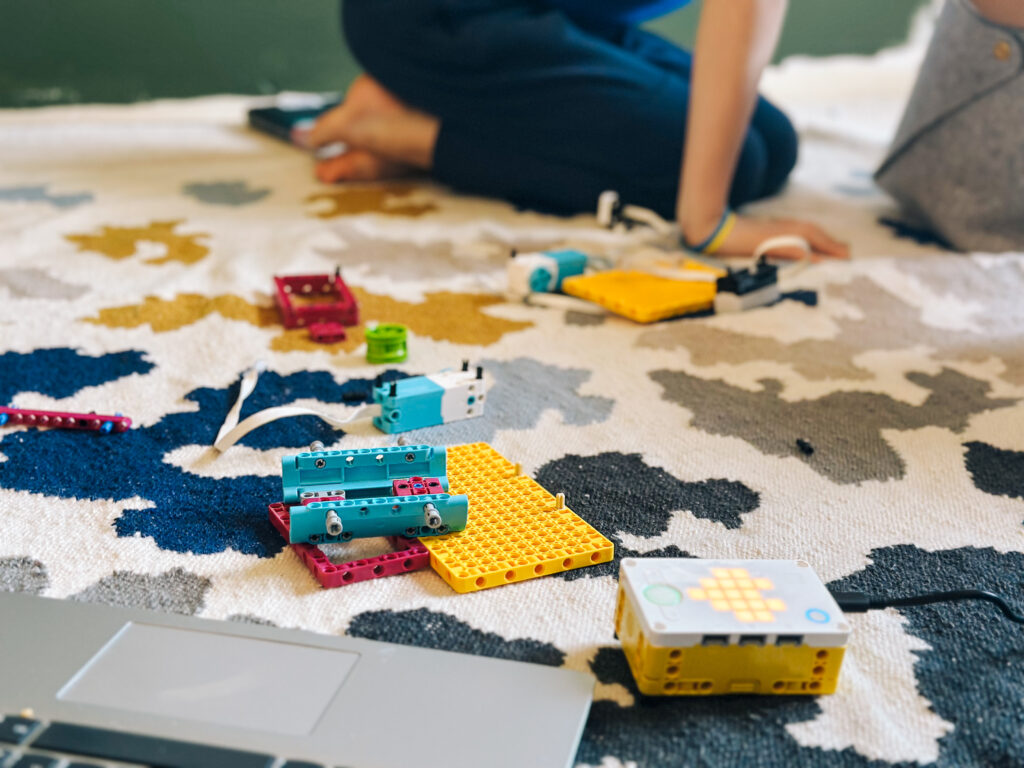
My husband started the boys with a toy called the mBot in 5th grade. It’s a little robot you program using an app on your phone. There are simple projects and challenges that build on each other, so your child goes from no knowledge, to getting the robot through an obstacle course.
Lego has a couple different programming and robotics kits that are fun for kids to use. Included with these kits are video lessons to help them complete projects and challenges.My boys really love both of these hands-on learning kits and I highly recommend both!
Programming
My husband started our boys with Scratch. It’s a free online resource from Stanford University. Kids learn how to program and make their own games and other things. My boys love it and they learn a lot more than being on the computer. Scratch is good, but it’s not my favorite. Kids can play games that other kids have made, and my boys usually end up playing games the entire time for “inspiration” instead of learning and making their own. I prefer code.org for lessons and courses that actually teach kids line upon line, without the distraction of games. Khan academy is another free resource for coding lessons and other tech topics.
I’d recommend starting with robotics, like mBot or Lego Spike Prime when they are 5th or 6th grade. It’s a good concrete introduction to programming before the begin something like Scratch or code.org.
If you’d prefer to not use the internet, Python for Kids is a great book that my oldest learned a lot from. He began learning Python in 6th grade. As the parent, you don’t need to actually know Python to use it, each lesson is self-explanatory and has pictures to show what the code needs to look like. And in case you are like me and are probably wondering why learning about snakes is included in technology… Python is a computer/programming language that is used in many careers.

Forms 3-6
For middle school and high school my plans are to focus on:
- How to use email..
- Excel/Google Sheets and all the useful formulas that go with it (well, my husband will be doing that).
- How to set up a blog or website
- AI: ethics, pros and cons, and how to write effective prompts.
- Interest-led learning: photo and video editing, advanced programming, robotics.
Resource Round-up
Typing
Computers and the Internet
https://www.khanacademy.org/computing/computers-and-internet\
Free Tech Tutorials and Courses
https://edu.gcfglobal.org/en/topics
Electronics
Programming + Robotics
Parenting Resources
The Anxious Generation by Jonathan Haidt
Glow Kids by Nicholas Kardaras
Effects of Excess Screen Time Study
Just a reminder: I am an Amazon Associate. As an Amazon Associate I earn from qualifying purchases.Thanks for supporting me!